Services
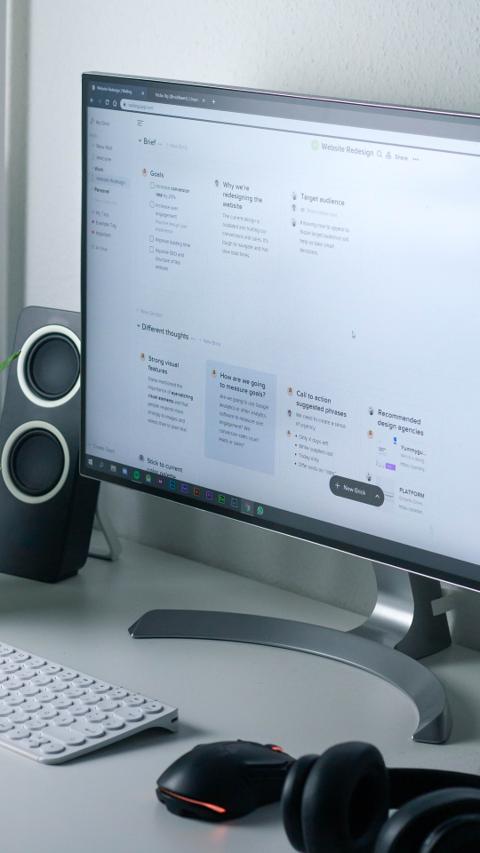
Feature One
Feel free to adjust these three columns to suit your design preferences. To duplicate, delete, or move columns, select the column and use the icons at the top to execute your desired action.

Feature Two
To add a fourth column, reduce the size of these three columns using the right icon of each block. Then, duplicate one of the columns to create a new one as a copy.
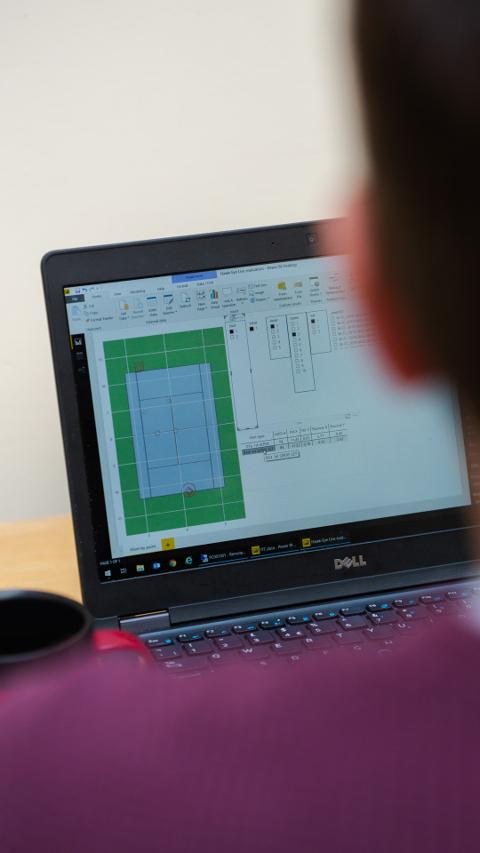
Feature Three
Delete the above image or replace it with a picture that illustrates your software solutions. Click on the picture to change its modern design style.
" Our software transformed our workflow and increased our efficiency significantly!" - Happy Customer "

" Our software transformed our workflow and increased our efficiency significantly!" - Happy Customer "

" Our software transformed our workflow and increased our efficiency significantly!" - Happy Customer "

Partners and testimonials
Leverage this section to establish your software's reliability and expertise.